
Moving office computers, monitors and servers needs more planning than moving ordinary furniture. Good preparation helps protect equipment, keep cables organised and reduce disruption to your business. If you need to prepare IT equipment for an office move, start with an equipment inventory, plan your data backup, label everything clearly and agree who is responsible for disconnecting and reconnecting your IT systems. This guide explains the practical steps to take before an office relocation, while keeping the technical work with your IT team or provider where needed.
Start With an Office IT Inventory
Before moving anything, make a complete list of your IT equipment. Your inventory can include:
- Desktop computers and laptops
- Monitors
- Servers
- Routers and network equipment
- Printers and scanners
- Phones and other connected devices
- Keyboards, mice and docking stations
- Power supplies and cables
- External drives and other storage devices
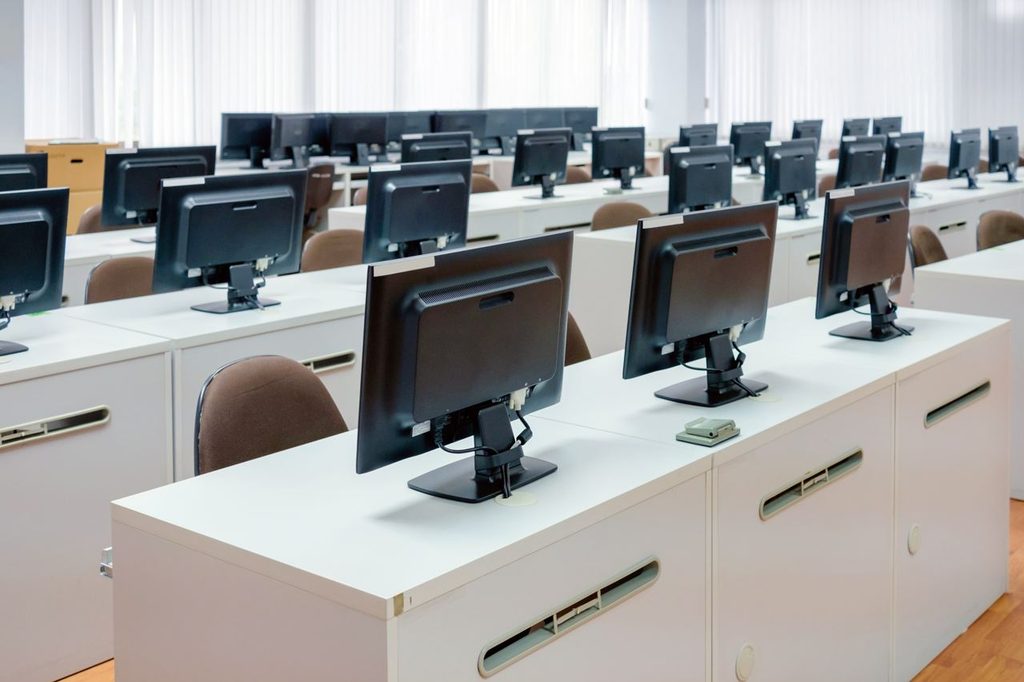
Record useful details such as the equipment name, location, user and destination desk. You can also add serial numbers or asset numbers if your business already uses them. This equipment inventory gives you a clear record of what is being moved and where it needs to go. It can also make the new desk setup much quicker.
Back Up Important Data Before the Move
One of the most important steps in office IT relocation is protecting your data. Make sure important business data is backed up before equipment is disconnected or transported. Check that the backup has completed successfully rather than assuming it has worked. Your IT team should also consider:
- Which systems need to be backed up
- Where backups are stored
- Whether critical systems need additional protection
- Which devices need to be shut down
- When systems should be disconnected
- What needs to be tested after reconnection
Do not use the move itself as an opportunity to discover that an important file was stored only on one computer.
Decide Who Will Disconnect the Equipment
Moving IT equipment physically and handling the technical side of the move are not always the same job. Your IT team or IT provider should decide how computers, network equipment and servers are shut down and disconnected. For more complex systems, create a clear plan for the order of disconnection and reconnection. This is particularly important for businesses that rely on servers, internal networks or specialist equipment. A removal team can handle the physical moving requirements where agreed, but technical responsibility should be clearly defined before moving day.
Label Computers, Monitors and Cables
Clear labelling can save hours when you arrive at the new office. Give each workstation a simple destination label. For example:
Finance – Desk 04
Use matching labels on the computer, monitor and relevant accessories. Cables should also be grouped and labelled so that the correct equipment stays together. Take photographs of complicated desk setups before disconnecting them. These can show where cables were connected and make the new setup easier to recreate. For equipment with several connections, do not rely on memory.
Prepare Computers for Transport
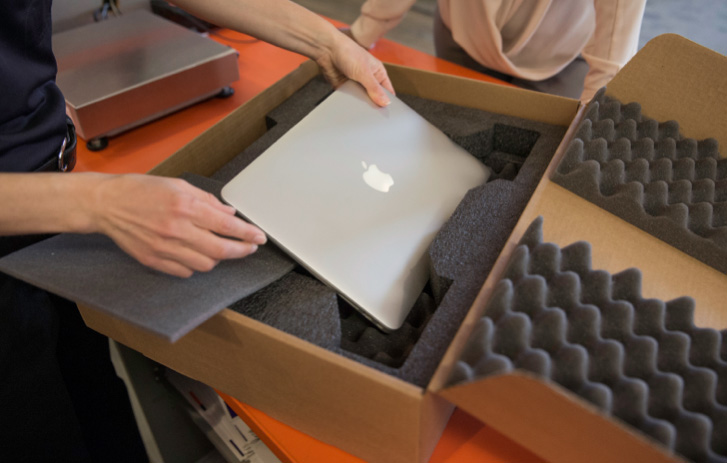
Before moving computers to a new office, shut them down properly according to your IT team’s instructions. Remove loose accessories and secure anything that could move during transport. Keep small components, chargers and cables together with their assigned equipment. For desktop computers, pay particular attention to:
- Screens
- Towers
- Power cables
- Docking stations
- Keyboards and mice
- Specialist accessories
If equipment is being professionally packed, make sure the packing method is suitable for the equipment being moved. A London Packing service may be useful when you need help preparing office contents for transport, but technical disconnection should remain with the appropriate IT person.
How to Move Monitors Safely
Moving monitors safely starts before they leave the desk. Disconnect them carefully and remove stands or other parts if your equipment instructions allow this. Keep screens protected from knocks, pressure and scratches during handling. Avoid placing heavy equipment on top of monitors. Screens should also be handled carefully when loading and unloading the vehicle. If your business has a large number of monitors, label each one with its destination desk. This prevents unnecessary searching when setting up the new office.
Plan an Office Server Relocation Carefully
An office server relocation needs more planning than moving a standard desktop computer. Servers may support essential business systems, files, applications or network functions. Your IT team should decide how the server will be shut down, disconnected, transported and brought back online. Before the move, confirm:
- Which server equipment is being moved
- What data has been backed up
- When the server can be taken offline
- Which systems depend on it
- Where it will be installed at the new office
- What network connections it requires
- Who will test it after reconnection
Do not assume that a server can simply be switched off and loaded into a van. The technical requirements should be agreed in advance. If there is any uncertainty about the physical handling requirements of specialist equipment, get advice from the relevant IT provider or equipment manufacturer.
Plan the New Network and Desk Setup
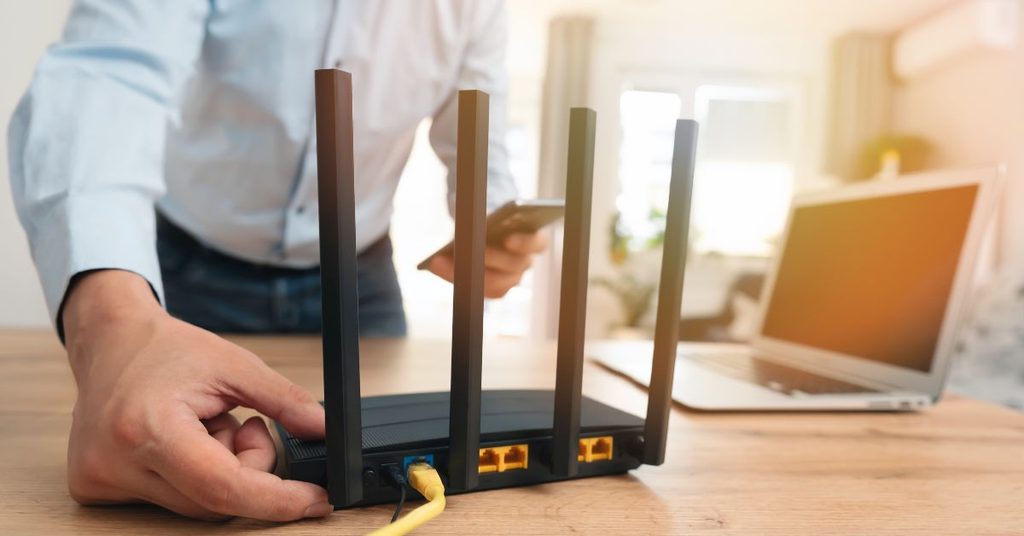
A successful office move is not just about getting equipment through the door. You also need to know where everything is going. Prepare a simple floor plan showing:
- Desk numbers
- Computer locations
- Monitor positions
- Network points
- Printers
- Server or equipment areas
- Shared devices
This can be matched with your equipment inventory and labels. The clearer the plan, the easier it will be for the team to rebuild the office without spending the first morning searching for cables or asking where each computer belongs.
Use an Office Move IT Checklist
Keep this office move IT checklist with your wider relocation plan:
Before the move
- Create an equipment inventory
- Back up important data
- Confirm IT responsibilities
- Plan server shutdown and reconnection
- Label equipment and cables
- Photograph complex setups
- Prepare the new desk and network plan
On moving day
- Confirm equipment is disconnected correctly
- Keep labelled equipment together
- Protect monitors and other delicate items
- Check that nothing is left behind
- Keep important IT equipment accounted for
After the move
- Reconnect equipment according to the IT plan
- Test computers and monitors
- Check network connections
- Test printers and shared devices
- Confirm access to important data and systems
- Report any missing or damaged equipment
Plan the Physical Office Move Around Your IT
IT preparation should be part of the wider office relocation plan, not something added at the last minute. If you are moving desks, furniture and IT equipment together, our London Office Removals service can help with the physical relocation of the office contents. If some equipment or furniture needs to stay off-site temporarily, a London Business Storage service can also form part of the wider plan. For businesses where downtime is a major concern, the move should be planned around your working hours and IT requirements. Your IT team can identify when systems can safely go offline, while the removal team can work to the agreed moving schedule.
Final Checks Before Moving Day
The aim of preparing IT equipment for an office move is simple: protect the equipment, protect the data and make the new office ready for work. Do not leave IT preparation until the final evening. Create the inventory early, back up important data, label equipment and cables, confirm responsibilities and plan the new desk layout. With the technical work clearly assigned and the physical move properly organised, your team can arrive at the new office knowing where each piece of equipment belongs and what needs to happen before everyone can get back to work.





No comment